



Image

WP Engine has been a popular choice for hosting for WordPress for many years. Its managed hosting plans include daily backups, staging environments, security features, and technical support.
However, managing a growing portfolio of WordPress sites comes with different demands. Teams need to coordinate updates, review code changes, manage deployments, and maintain visibility across their websites. Some also run Drupal sites alongside WordPress and want both on one platform. These requirements, along with the ongoing legal dispute between WP Engine and Automattic that began in 2024, may prompt organizations to reconsider whether their current hosting arrangements meet their needs.
This guide compares six WP Engine alternatives, including Kinsta, Cloudways, Pressable, Rocket.net, and SiteGround, based on multi-site management, development workflows, traffic and uptime requirements, and pricing to help you identify which platform fits your needs.
The top six WP Engine alternatives
1. Pantheon
Pantheon is the best WP Engine alternative for teams running multiple mission-critical WordPress sites.
Pantheon is one governed platform where teams host, build, and run WordPress, Drupal, and Next.js sites.
Pantheon runs every site on a multi-container architecture on Google Cloud, with more application containers on higher-capacity plans. Its next-generation Global CDN, the default for new sites, includes built-in bot protection. Every site has separate Dev, Test, Live environments, with code in Test and Live protected against direct changes outside deployments. With over 700,000 websites hosted, Pantheon's infrastructure is designed to handle high traffic. Along with this, Pantheon also offers:
- Integrated version control and Multidev environments for streamlined development.
- A single dashboard to manage multiple sites, automated updates, and security protocols.
- Multizone Failover, a paid add-on for eligible Elite site plans, to help maintain availability during an availability-zone failure.
- Automated workflows that allow web teams to develop, test, and launch new sites in real time.
Pantheon brings all aspects of building, hosting, managing, analyzing, and scaling websites into one secure, easy-to-use dashboard.
Pantheon has been recognized as a Leader in G2's Winter 2026 Managed Hosting rankings.
“Pantheon understands the lifecycle of WordPress development, so we don’t have to think about the infrastructure. I don’t have to worry about CDN optimization or any last-minute things like security because Pantheon handles it all.”
Sree Balakrishnan, Technology Director at Travelopia
New Pantheon accounts start with a free Silver workspace that includes two sandbox sites. For live hosting, the Basic site plan costs $500 per year or $55 billed monthly, with additional costs for eligible workspace upgrades and add-ons.
For a closer look at the differences, check the Pantheon vs. WP Engine comparison.
Image
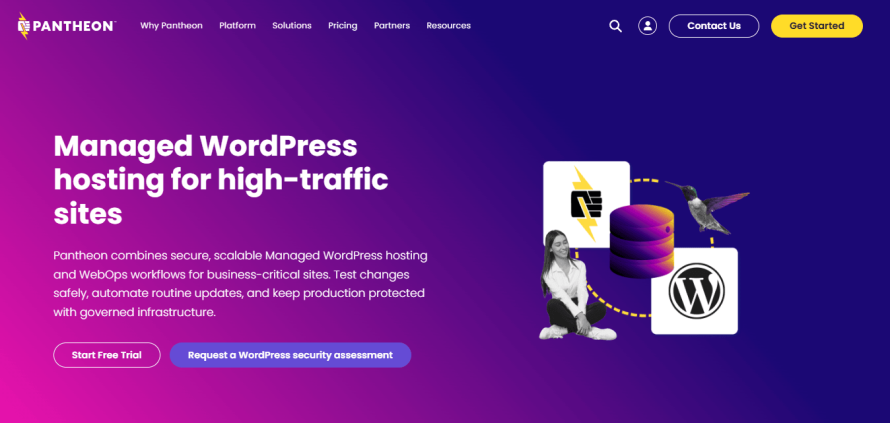
Pantheon’s WordPress hosting page.
2. Kinsta
The next provider, Kinsta, offers managed WordPress hosting plans with different resource allowances. Its features include:
- Automatic daily backups retained for 14 to 30 days, depending on the plan.
- Free SSL certificates and CDN integration.
- Staging environments for testing changes.
- DDoS protection through Cloudflare and automatic operating system security patches.
The platform also offers uptime monitoring and 24/7 technical support, while malware-removal assistance is subject to the terms of its Security Pledge.
The entry-level plan costs $35 per month on monthly billing or $350 per year when billed annually.
Image
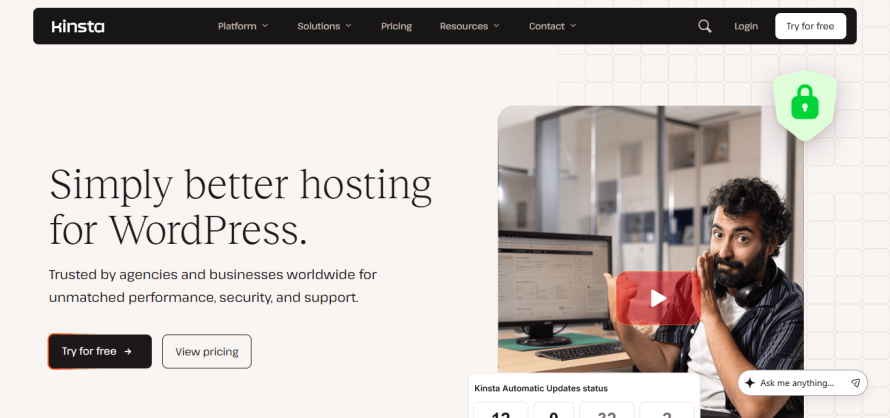
Kinsta’s homepage.
3. Cloudways
Cloudways is a flexible managed WordPress hosting company. Its Flexible service allows customers to select infrastructure from providers such as DigitalOcean, AWS, and Google Cloud, with hosting resources and costs depending on the configuration. Standard hosting features include:
- Staging environments.
- Automated backups.
- SSL certificates.
- Caching.
- Server-level security controls.
Cloudflare Enterprise is available as a paid add-on for Flexible hosting.
Pricing starts at $14 per month for the Micro plan on DigitalOcean, with additional costs depending on the selected infrastructure and optional services.
Image

Cloudways’ homepage.
4. Pressable
Another provider on the list is Pressable, which is owned by Automattic and runs managed WordPress hosting on its WP Cloud infrastructure. Its services focus on WordPress and include:
- Staging environments.
- GitHub integration for deployments.
- SSH access with WP-CLI for command-line management.
Plans also include a Jetpack Security license, which customers can activate through the hosting dashboard. This platform’s entry-level Signature 1 plan costs $250 per year when billed annually, covering one WordPress installation and up to 30,000 visits per month.
Image
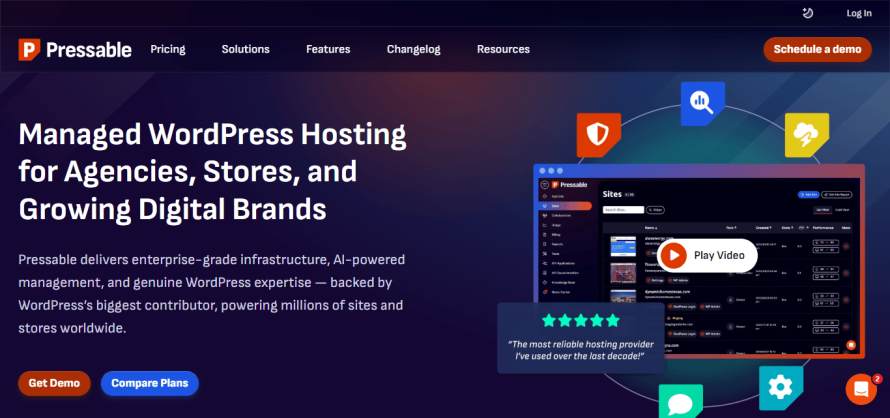
Pressable’s homepage.
5. Rocket.net
Cloudflare Enterprise is integrated into Rocket.net’s managed WordPress hosting infrastructure for CDN delivery and web application firewall protection. Rocket.net suits sites that want those features without configuring Cloudflare themselves.
The hosting dashboard includes one-click staging for testing website changes. Other features include:
- SSL certificates.
- Malware protection.
- Automatic updates.
- Free migrations.
- Daily backups with 30-day retention.
The Starter plan costs $30 per month with monthly billing or $25 per month when billed annually. A separate $1 introductory offer applies to the first month.
Image
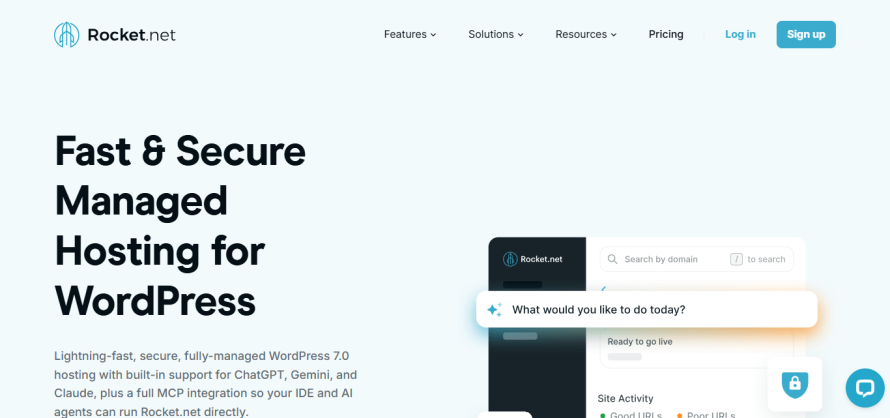
Rocket.net’s homepage.
6. SiteGround
At the lower-priced end of this comparison, SiteGround uses Google Cloud infrastructure for its shared hosting, alongside its own caching and performance optimizations. Its WordPress plans include:
- Daily backups.
- SSL certificates.
- CDN integration.
- Managed updates.
- 24/7 support.
Staging environments and Ultrafast PHP are available on higher-tier plans rather than the entry-level StartUp plan.
For smaller websites where upfront hosting costs are the main consideration, the StartUp plan covers one website and costs $2.99 per month on an introductory 12-month term, renewing at $17.99 per month on a 12-month term.
Image

SiteGround’s homepage.
The six alternatives at a glance
Here's how the capabilities, development workflows, uptime commitments, and pricing of these WP Engine alternatives compare at a glance:
Host |
CMS and technologies supported |
Development environments |
Multi-site management |
Uptime commitment |
Starting price |
|---|---|---|---|---|---|
Pantheon |
WordPress, Drupal, and Next.js |
Dev, Test, Live environments on every site. Up to 10 additional Multidev environments per site on eligible workspaces. |
Centralized workspace dashboard with bulk Autopilot management on eligible Gold and higher workspaces. |
99.9% SLO on Basic and Performance plans. 99.95% SLA on Elite plans, increasing to 99.99% with the Multizone Failover add-on. |
Basic plan: $500/year or $55/month. |
Kinsta |
WordPress |
Staging environments with additional premium staging options. |
Multiple WordPress installations managed through the MyKinsta dashboard, depending on the plan. |
99.9% SLA on standard plans. Up to 99.99% on eligible custom plans. |
$35/month or $350/year. |
Cloudways |
WordPress, Magento, Laravel, and other PHP applications |
Staging and application cloning on Flexible hosting plans. |
Multiple applications per server, subject to available resources. |
99.9% uptime SLA on Autonomous high-availability hosting. |
Micro plan on DigitalOcean: $14/month. |
Pressable |
WordPress |
Staging and sandbox environments. |
Multiple WordPress installations managed through one dashboard on qualifying plans. |
100% network uptime SLA, excluding scheduled maintenance. |
Signature 1 plan: $250/year. |
Rocket.net |
WordPress |
One-click staging environments. |
Multiple WordPress installations on higher-tier plans. |
99.99% uptime guarantee. |
Starter plan: $30/month or $25/month with annual billing. |
SiteGround |
WordPress and other PHP-based CMSs |
Staging environments on GrowBig and higher plans. |
Multiple websites on GrowBig and higher plans, subject to resource limits. |
99.9% uptime guarantee. |
StartUp plan: $2.99/month for the first 12 months, then $17.99/month. |
How to choose the best WP Engine alternative for your needs
When choosing the right WP Engine alternative, assess your specific needs and prioritize what matters most for your business. To narrow down your options, consider how each hosting provider supports the way your team works:
- Number of sites: How many websites do you manage, who is responsible for maintaining them, and what tools are available to manage multiple WordPress sites?
- Deployment workflows: How does the platform handle version control, testing, and moving code changes into production?
- Review environments: Can developers create separate environments to test and review changes without affecting live websites?
- Traffic and uptime: How does the host charge for traffic and resource usage, and what uptime commitments apply to your chosen plan?
- Technology requirements: Do you also run Drupal websites or Next.js applications, and can the platform accommodate those projects?
When considering a switch, factor in the migration process. Some hosts provide tools or migration services to help reduce disruption during the transition. Pantheon's Guided Migration, for instance, provides a structured process for migrating eligible websites, while its Professional Services team offers hands-on migration assistance.
Why read-only production code matters after wp2shell
wp2shell was a WordPress core exploit chain that allowed unauthenticated attackers to execute code on vulnerable websites, highlighting the importance of protecting production code against unauthorized changes. On July 21, 2026, CISA added both wp2shell vulnerabilities to its Known Exploited Vulnerabilities Catalog.
On Pantheon, WordPress core, plugin, and theme code is read-only in Test and Live environments. This means code changes must go through the deployment workflow, helping block attempts to install or modify malicious plugins directly in production.
However, read-only code doesn't prevent SQL injection, unauthorized administrator accounts, or writes to the uploads directory. As Pantheon explains in After the Patch, patching, monitoring, and incident response remain essential.
Pantheon in action: Decisely
Decisely, an HR tech platform serving small to medium-sized businesses, shows how Pantheon can help with WordPress management. Brittany Rapheal, Decisely's Senior Web Developer, faced the task of scaling from one website to 150 in just six years.
Initially hosted on GoDaddy, Decisely outgrew its capabilities and moved to WP Engine. However, even WP Engine fell short as the company expanded. The main issues Rapheal encountered with WP Engine included:
- Lack of adequate support for their growing needs.
- Limited staging and dev environments, especially for Multisite setups.
- Inability to test changes before launching, except on the main site.
- A security vulnerability that remained unaddressed.
Pantheon solved these problems. The game-changer was Pantheon's Multidev feature, which allowed Rapheal to:
- Create separate environments for new projects and quick fixes.
- Test changes safely before pushing to live sites.
- Collaborate more effectively with other teams, such as marketing.
The result? Rapheal became at least five times more efficient, gaining the confidence and time to focus solely on clients. With Pantheon, she found the WordPress support and tools she needed, transforming her role from a stressed developer to a confident WebOps professional managing a vast portfolio of sites!
Optimizing your site with Pantheon
As we've seen, Pantheon is a great alternative to WP Engine, offering a suite of features designed to optimize your WordPress experience.
When Employ consolidated its brands on Pantheon with the help of 3 Media Web, the company saw measurable financial and operational improvements.
“Consolidating on Pantheon with 3 Media Web brought in about $20,000 a year in hosting savings. We also knew Pantheon was best of breed, so it was a real win. On top of that, having all of the hosting monitoring in one centralized location, pushing right into our Slack channels, provided real-time notifications in the event of any downtime."
Samantha Spano, VP of Marketing at Employ
Migrate your WordPress site to Pantheon, compare Pantheon vs. WP Engine side by side, or explore Pantheon's WordPress hosting to see how the platform can support your team.

