



Drupal is a powerful, flexible CMS used by organizations worldwide to build complex, high-performance websites. But to get the most out of it, you need hosting that can handle its demands, from managing databases to delivering fast, secure user experiences.
Generic hosting doesn’t cut it for Drupal. A host explicitly built for Drupal will mean your site performs at its best, even during traffic spikes, while keeping security tight and workflows smooth.
Pantheon is a WebOps platform for Drupal, WordPress and Next.js that brings containerized infrastructure, Dev, Test, Live environments and a Global CDN into one platform for building fast and scalable sites. Those capabilities set the standard for what teams should look for in Drupal hosting.
This guide breaks down the requirements that matter most for high-performance Drupal sites and evaluates seven hosting providers against them.
What is Drupal-optimized hosting?
Drupal-optimized hosting is web hosting configured for Drupal's PHP and database requirements. These platforms provide server environments tuned for Drupal's architecture. Drupal hosting includes one-click installation, automated updates and built-in caching. Security features include web application firewalls and automated backups. Performance optimization includes SSD storage and content delivery networks.
When selecting Drupal hosting, you're choosing between shared, VPS, dedicated or managed cloud solutions. Each option offers different levels of control, performance and cost. Understanding these differences helps you select the right hosting for your Drupal project's specific needs.
The seven best Drupal hosting providers compared
1. Pantheon
Image
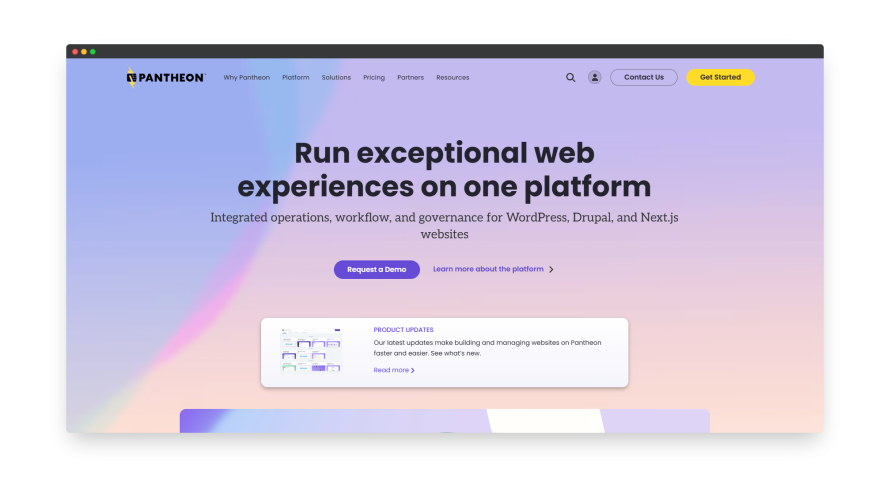
Pantheon specializes in enterprise hosting for Drupal, WordPress and Next.js.
Pantheon powers your whole digital team to build, launch, and manage Drupal sites faster and smarter. Every Pantheon site gets Dev, Test, Live environments, so code moves from development to testing to production through the same workflow. The key features include:
- Scalable infrastructure: Pantheon’s container-based platform handles everything from small traffic spikes to millions of pageviews. You won’t have to worry about your site slowing down when things get busy – it just works.
- Speed: Powered by Varnish and Redis, Pantheon delivers content quickly through its Global CDN. This means faster load times, whether your visitors are down the street or across the world.
- Security: Pantheon takes care of your site’s security with features like automated backups, DDoS protection and HTTPS management. Pantheon is SOC 2 Type 2 and GDPR compliant, and its security policies and infrastructure help customers build FERPA-compliant applications.
- Automated workflows: Pantheon provides automated testing with visual regression checks. This means fewer complications for your team and more time spent on what matters – building great experiences.
- Developer-friendly tools: With built-in version control, Git-based workflows and automated testing, Pantheon gives developers the tools they need to move faster.
- Multidev: Pantheon’s Multidev gives developers isolated environments where they can build and test separate features or branches without affecting the main development workflow. Each environment has its own code, database and files, so teams can work on multiple changes in parallel before merging them. Each site can have up to 10 Multidev environments.
- Upstreams: To handle your portfolio of sites, Pantheon Upstreams let you apply updates, new features, or branding changes once and push them downstream to every site automatically.
- Expert support: When you need help, you’re not talking to just any support team. Pantheon’s support is made up of actual Drupal experts, so you’ll always get answers that make sense for your site’s needs.
Pantheon offers a variety of workspace and site plans depending on your needs.
Who should and shouldn’t use Pantheon?
✅ Pantheon is perfect for Drupal teams building mission-critical, high-impact sites. It’s excellent for:
- Digital agencies managing multiple client sites with complex workflows.
- Enterprise marketing and IT teams who need agility without sacrificing control and security.
- Higher education institutions running hundreds of sites across departments.
❌ If you are running a brochure-type site on Drupal with a tight budget, Pantheon may be more than you need.
2. Upsun
Image
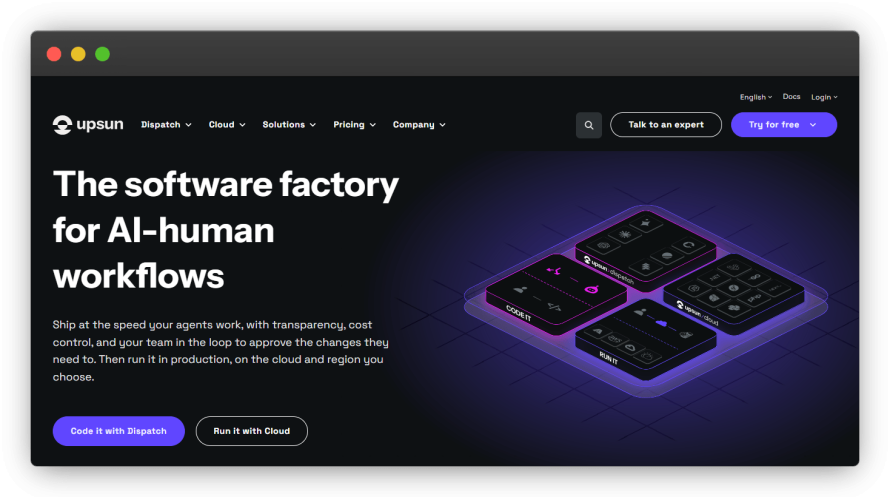
Upsun’s homepage.
Upsun is a powerful Platform-as-a-Service (PaaS) that can integrate both your Drupal backend and decoupled frontend into one project. It’s perfect for organizations with complex technical needs who want flexibility without compromising performance. Its best features are:
- PaaS for decoupled architecture: Upsun supports the decoupled model, allowing you to run Drupal alongside modern frontend frameworks in the same environment.
- Git-driven infrastructure: With Upsun, your infrastructure is controlled by Git. This means you can clone your production environments, test on new branches and quickly deploy changes.
- Containerized microservices: Upsun’s containerized architecture supports microservices, providing isolated environments for each part of your application, making it easier to scale and manage your decoupled Drupal stack.
- CI/CD built-in: Continuous Integration and Continuous Deployment (CI/CD) are built into Upsun, so you can automate testing, development and deployment without worrying about manual interventions.
- Multi-technology flexibility: You can run a variety of technologies and frameworks alongside Drupal, which is great for organizations that need a tech stack beyond just one CMS.
- Streamlined onboarding for teams: With preview environments created on demand and Git-based workflows, Upsun makes it easy for teams to collaborate, test and deploy across decoupled stacks.
- Scalable infrastructure: Upsun's infrastructure adjusts to traffic demands, so you can focus on building and optimizing your site instead of managing resources.
Who should and shouldn’t use Upsun?
✅ Upsun suits teams running Drupal alongside other frameworks who are comfortable managing infrastructure as code. It suits development teams familiar with Git workflows who need advanced infrastructure management, flexibility and scalability.
❌ If your focus is on straightforward Drupal hosting with integrated WebOps workflows, Upsun may be more complex than necessary.
3. Acquia
Image
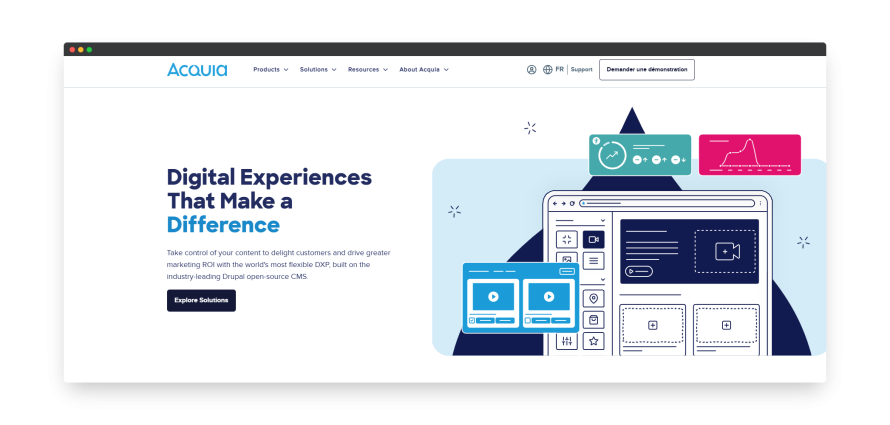
Acquia specializes exclusively in Drupal hosting. It offers Cloud Platform in several annual subscription tiers but doesn’t publish dollar pricing, so organizations need to contact sales for a quote. Beyond hosting, its broader platform includes capabilities for digital asset management, web governance, content optimization, experimentation and personalization, which may suit organizations looking to manage more of their digital experience stack with one vendor.
Key features include:
- Drupal Cloud platform: Acquia Cloud provides Drupal-optimized infrastructure with Varnish and Memcached for Drupal.
- Drupal Site Factory: Runs many Drupal sites from one shared codebase, with a separate database for each site.
- Drupal security scanning: Acquia monitors Drupal modules for security vulnerabilities automatically.
- Drupal performance profiling: Built-in New Relic integration tracks Drupal-specific metrics.
- Drupal developer tools: Includes Drupal-specific Git workflows and Drush integration.
- Drupal compliance: Maintains Drupal configurations for HIPAA and PCI compliance.
Who should and shouldn’t use Acquia?
✅ Acquia is geared toward enterprises willing to pay a premium for an all-in-one Drupal platform packed with marketing tools and complex migration support.
❌ Acquia may not suit teams that want advanced development and security features included by default, since some capabilities are only available on higher-tier plans or as add-ons. Its enterprise pricing is available by quote, which makes upfront cost comparisons less straightforward.
4. hosting.com
Image
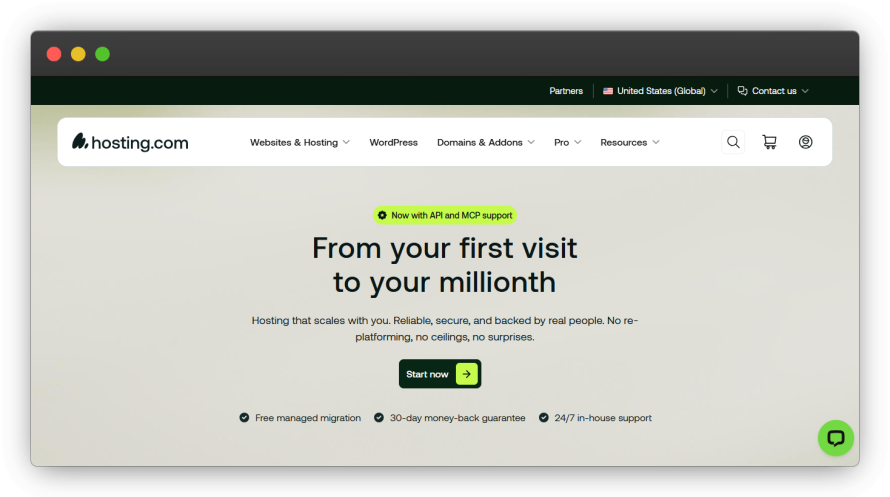
hosting.com’s homepage.
hosting.com is a shared and VPS host offering Drupal-optimized configurations rather than a purpose-built Drupal platform. Its plans include a one-click installer that supports Drush and Composer. It’s a reasonable entry-level option, but it doesn’t provide the Drupal-specific CI/CD and multi-environment WebOps workflows that larger development teams may need.
Features include:
- Drupal-optimized servers: MySQL/MariaDB configured with query caching for Drupal's database-heavy architecture.
- Pre-installed Drupal stack: Drush is included on most hosting accounts, and Composer is available over SSH for managing Drupal dependencies. Staging is available on higher-tier plans.
- Standard security and backups: mod_security rules tuned for Drupal vulnerabilities, plus automated database and file backups.
Who should and shouldn’t use hosting.com for Drupal?
✅ hosting.com can work for smaller, moderate-traffic Drupal sites where a developer wants optimized PHP and MySQL without managing the server themselves.
❌ hosting.com may not suit larger Drupal teams that need Drupal-specific CI/CD workflows or isolated development environments for working on multiple changes in parallel.
5. IONOS
Image
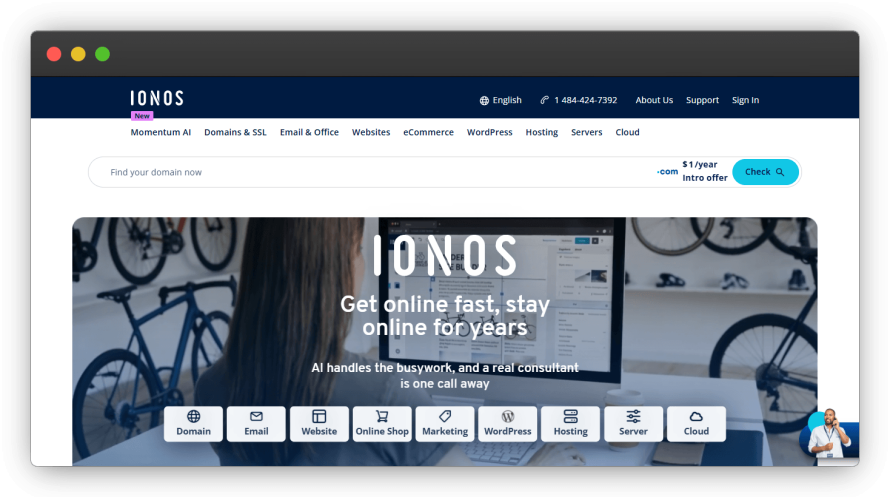
IONOS’ homepage.
IONOS offers Drupal hosting with automatic compatibility checks for Drupal's system requirements. Their platform includes one-click Drupal installation with automatic database creation and configuration.
Features include:
- Drupal auto-installer: IONOS automatically configures Drupal's settings.php and database connections.
- PHP version management: IONOS lets you switch PHP versions from the control panel.
- Drupal cron automation: Automated cron jobs for Drupal's maintenance tasks and search indexing.
- Drupal backup system: Daily backups preserve Drupal's files, database and configuration.
Who should and shouldn’t use IONOS for Drupal?
✅ IONOS works for small Drupal sites, Drupal beginners and simple Drupal corporate websites. IONOS SE is headquartered in Germany, which may suit projects with EU data-residency requirements.
❌ IONOS may be less suitable for complex Drupal projects that need more control over the hosting environment. Those teams may need to move beyond its standard web hosting to a VPS or cloud setup, which requires more hands-on server management.
6. Cloudways
Image
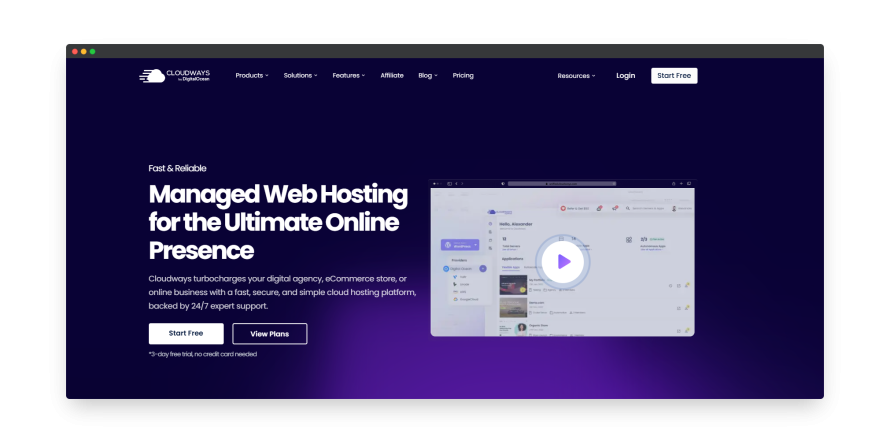
Cloudways is a managed cloud hosting platform that lets teams choose their cloud provider and server resources while Cloudways handles much of the day-to-day infrastructure management. It offers:
- Flexible hosting solutions: Choose from top cloud providers such as DigitalOcean, Google Cloud and AWS.
- Optimized performance: Cloudways makes sure your website runs fast with an optimized stack, built-in advanced caching and a Global CDN (which you will have to pay for). These features provide excellent website performance, even during traffic spikes.
- Effortless scaling: As your website grows, Cloudways makes it easy to scale your resources. With vertical scaling and flexible server management, you can focus on your business while Cloudways handles the infrastructure.
- 24/7 expert support: Cloudways’ dedicated support team is available around the clock to assist with any issues. With an average response time of just 90 seconds, you’ll always have access to expert help when needed. But remember, for priority support, you will have to pay a premium.
Who should and shouldn’t use Cloudways?
✅ Cloudways is ideal for businesses that want to choose their own cloud provider – like AWS, DigitalOcean or Google Cloud – and need flexibility over their infrastructure setup. It’s a solid choice for agencies managing multiple CMSs or tech stacks, and for teams who want to avoid server admin tasks but still maintain hands-on control over deployments and configurations.
❌ Cloudways may not suit Drupal teams that need more advanced development workflows, such as branch-specific environments or built-in visual regression testing. Its Trust & Compliance Center also lists SOC 2 certification for its cloud infrastructure providers rather than Cloudways itself.
7. ScalaHosting
Image

ScalaHosting offers Drupal hosting across shared and managed cloud VPS plans, giving smaller projects a lower-cost starting point with room to move to dedicated cloud resources as they grow. Its features include:
- Drupal-optimized hosting: ScalaHosting runs Drupal on isolated cloud VPS infrastructure with dedicated CPU, RAM and storage. Entry Cloud starts with 2 CPU cores and 2 GB of RAM, while larger plans let teams scale those resources as needed.
- Free migration: Moving your Drupal site to ScalaHosting is simple with their free, hassle-free migration service. ScalaHosting states its migrations involve zero downtime and run smoothly throughout the transition.
- Automated updates & 1-click installer: Enjoy automated updates for hassle-free maintenance and a 1-click installer for quick Drupal setup.
- Malware scans and alerts: ScalaHosting's SShield detects and blocks threats and sends an alert with a report.
- Firewall & custom security rules: ScalaHosting includes a firewall and custom security measures specifically designed for Drupal to keep your site safe.
- Daily backups: ScalaHosting offers daily backups, so your data is always safe and recoverable if needed.
Who should and shouldn’t use ScalaHosting?
✅ ScalaHosting suits single-site Drupal projects on a tight budget.
❌ ScalaHosting may not be right for large organizations managing multiple Drupal environments or high-traffic sites that require container-based scaling, Git-based workflows or enterprise-grade automation. If you need structured Dev, Test, Live environments, compliance features or workflow governance, you’ll likely outgrow what ScalaHosting offers.
Essential Drupal hosting requirements
To successfully run Drupal, your hosting environment needs specific technical capabilities:
- Drupal 11 requires PHP 8.3 or later, while Drupal 10 supports PHP 8.1 through 8.4.
- Drupal 11 requires MySQL 8.0+, MariaDB 10.6+, or PostgreSQL 16+, while Drupal 10 supports MySQL 5.7.8+, MariaDB 10.3.7+, or PostgreSQL 12+.
- Memory allocation should be at least 256MB for production sites.
- For better performance, Drupal benefits from Redis or Memcached for object caching.
- Additionally, the Drush command-line tool requires SSH access.
To run Drupal efficiently, your hosting environment must meet certain technical requirements. Drupal 10 and Drupal 11 have different baselines, so it’s important to check that your infrastructure is up to date.
Other important considerations:
- Caching: Use server-side caching like Redis, Memcached and Varnish to improve response times and reduce database load.
- HTTPS support: An SSL certificate is essential for data security and SEO.
- Composer: Drupal relies heavily on Composer. Your server needs to support modern PHP CLI usage with sufficient memory for dependency resolution.
Drupal 10 reaches end of life on December 9, 2026, so new projects and major upgrades should now target Drupal 11. Drupal 11.4.x is the current stable release line, while Drupal 12 is scheduled for December 2026 and will require PHP 8.5.
Specialized vs. shared hosting: Performance differences for Drupal sites
Drupal’s database-heavy architecture requires optimized hosting to perform at its best.
Traditional, shared hosting often struggles to meet these needs, especially with MySQL/MariaDB configurations like query caching and innodb_buffer_pool_size, which are essential for managing large volumes of data efficiently. These configurations are typically under-optimized or missing entirely on shared hosts.
In contrast, specialized hosting like Pantheon ensures critical PHP settings (e.g., memory_limit ≥256M, max_execution_time ≥60) are pre-configured, enabling better performance for Drupal’s resource-intensive processes.
Container-based infrastructure in specialized hosting ensures isolated resources, preventing the common resource contention seen in shared hosting environments. This results in faster performance, with specialized hosting achieving approximately TTFB under 200ms, compared to 500-800ms on traditional hosts.
Advanced multi-layered caching (Redis, Varnish) offloads database and dynamic content handling, further speeding up Drupal’s performance.
Specialized hosting also addresses common pain points with traditional hosting – MySQL connection limits, PHP memory exhaustion and file system I/O bottlenecks – by optimizing resources and streamlining caching mechanisms.
When comparing the two approaches, the differences become clear. Managed Drupal hosting handles server maintenance and security updates automatically. In contrast, DIY hosting requires manual configuration of PHP, MySQL and caching. Cost-wise, managed hosting costs 2-3X more than equivalent DIY resources. However, DIY hosting provides root access and complete customization freedom. Managed hosting includes automatic backups and one-click staging environments.
Optimizing performance with Drupal hosting
People expect websites to load fast. In fact, 53% of mobile users abandon sites that take over 3 seconds to load according to Google. Even small delays can cost you sales, sign-ups and repeat visits.
Drupal includes helpful caching features like page and block caching to speed up load times. But as your traffic grows, these built-in tools often aren’t enough to keep your site running smoothly.
That’s where smart hosting makes a real difference. Technologies like Redis cache your content outside of Drupal’s database, reducing the work your server has to do thereby speeding up delivery to visitors.
A CDN also plays an important role by serving static assets (images, CSS, JavaScript) from servers close to your users around the world. This reduces delays, handles traffic spikes and improves the experience for every visitor, no matter where they are.
Database tuning is equally important. Optimizing MySQL or MariaDB specifically for Drupal helps speed up queries and keeps data flowing efficiently.
Managing all these optimizations yourself can be a bit tricky. That’s why choosing a specialized Drupal host like Pantheon matters. They come with these performance improvements pre-configured and maintained, so your team can focus on building great digital experiences instead of troubleshooting slowdowns.
Plus, with built-in performance reporting and monitoring, you’re always in control and can catch issues before your visitors notice.
Fast, reliable hosting isn’t just about technology – it’s about keeping your visitors engaged, protecting your brand and driving growth.
Why Pantheon stands out for Drupal hosting: Developer workflows and enterprise security
Pantheon transforms Drupal development with its Dev, Test, Live environments that bring clarity and control to every stage of your release cycle. Developers can work independently on features or fixes without risking production, accelerating delivery and reducing costly errors.
Automated workflows cut out tedious sysadmin chores (think automated updates, visual regression testing and Git-based version control) freeing your team to focus on crafting rich, reliable Drupal experiences.
Designed for scale and security, Pantheon’s enterprise-grade infrastructure combines automated patching, continuous monitoring and containerized hosting to keep your sites fast, secure and resilient, even under sudden traffic surges. Pantheon offers a 99.9% uptime SLO on Basic and Performance plans and a 99.95% uptime SLA on Elite, increasing to 99.99% with Multizone Failover.
Managing dozens – or even hundreds – of Drupal sites is simple with Pantheon’s centralized dashboard, which gives IT and marketing teams unified governance and streamlined operations, saving time and reducing complexity.
And when you need expert help, Pantheon’s 24/7 support team is staffed by Drupal professionals who understand your platform inside and out, so you get fast, accurate answers tailored to your needs.
Pantheon isn’t just hosting Drupal. It’s empowering teams to innovate faster, operate smarter and deliver exceptional digital experiences at enterprise scale.
Start your Drupal site migration today
Specialized Drupal hosting, like Pantheon, offers superior performance and a smooth developer experience.
By migrating your Drupal site to Pantheon, you’ll benefit from faster load times, more efficient workflows and enhanced security features. Pantheon simplifies the migration process with automated content transfer, database optimization and configuration preservation, ensuring a smooth transition with minimal downtime.
Don’t delay your migration to better hosting. The longer you wait, the more technical issues and long-term costs can accumulate.
Watch our demo today to see how your site could work in our environment and see firsthand how specialized Drupal hosting can set your site up for future growth and success!
Frequently asked questions
Does Drupal offer hosting?
Drupal itself does not provide hosting services. Drupal is open-source software that requires third-party hosting providers.
What are the best enterprise Drupal hosting options?
Pantheon is the best enterprise Drupal hosting for teams that need reliable hosting, scalable infrastructure and structured development workflows. Acquia is another enterprise option focused specifically on Drupal, while Upsun supports Drupal alongside other applications on container-based infrastructure.
Can you find affordable hosting for small Drupal projects?
Pantheon offers a $0 monthly WebOps plan consisting of two sandbox sites, suitable for small Drupal teams looking to test before committing. Hostinger offers Drupal hosting starting at $1.99 a month on a 48-month term.
Low cost and free services typically have significant limitations including storage caps and bandwidth restrictions. Free hosting cannot handle production Drupal sites effectively.
Who uses Drupal?
Major organizations using Drupal include Tesla, Pfizer and the University of Oxford. These sites show how Drupal is used across large commercial and higher-education websites.
What do developers say about Drupal hosting on Reddit?
Reddit developers frequently recommend Pantheon for professional projects. Many cite DigitalOcean as cost-effective for technical teams. Developers warn against shared hosting for complex Drupal sites.
Reddit users consistently differentiate Pantheon from traditional shared hosting providers, noting that Pantheon uses fully containerized infrastructure on Google Cloud rather than oversold shared servers. According to one Reddit discussion, users confirmed that Pantheon provides isolated containers without "noisy neighbor syndrome" common to shared hosting and VPS environments.
Is Drupal still relevant in 2026?
Yes, Drupal remains relevant in 2026, powering 0.6% of all websites. Drupal 11.4 is the current stable release line, with major performance improvements, while Drupal 12 is scheduled for December 2026.

